
WhatsApp Desktop
WhatsApp Desktop is the official WhatsApp app for Windows, letting you chat and call from your PC with the account on your phone.
339.2 MB

Zoom Meeting is the desktop client of Zoom's video-conferencing service for calls, webinars, screen sharing and chat on Windows.
Average 0.0 · ratings: 0
Thank you! Your rating is saved; you can change it. Could not save the rating. Please try again later. Too many ratings from your network today. Please try again tomorrow. The average appears after 5 ratings.
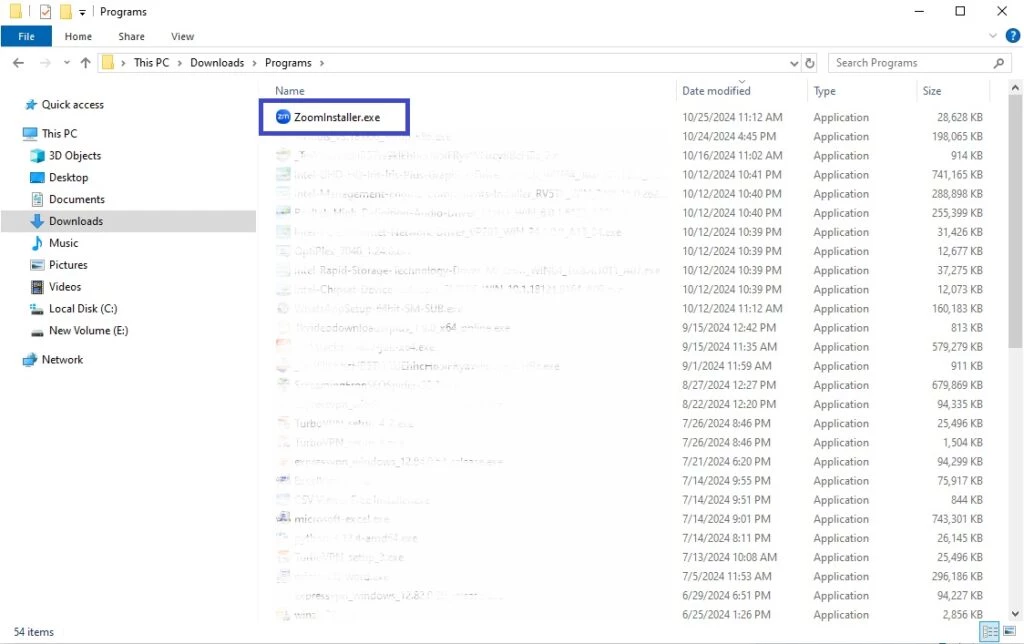
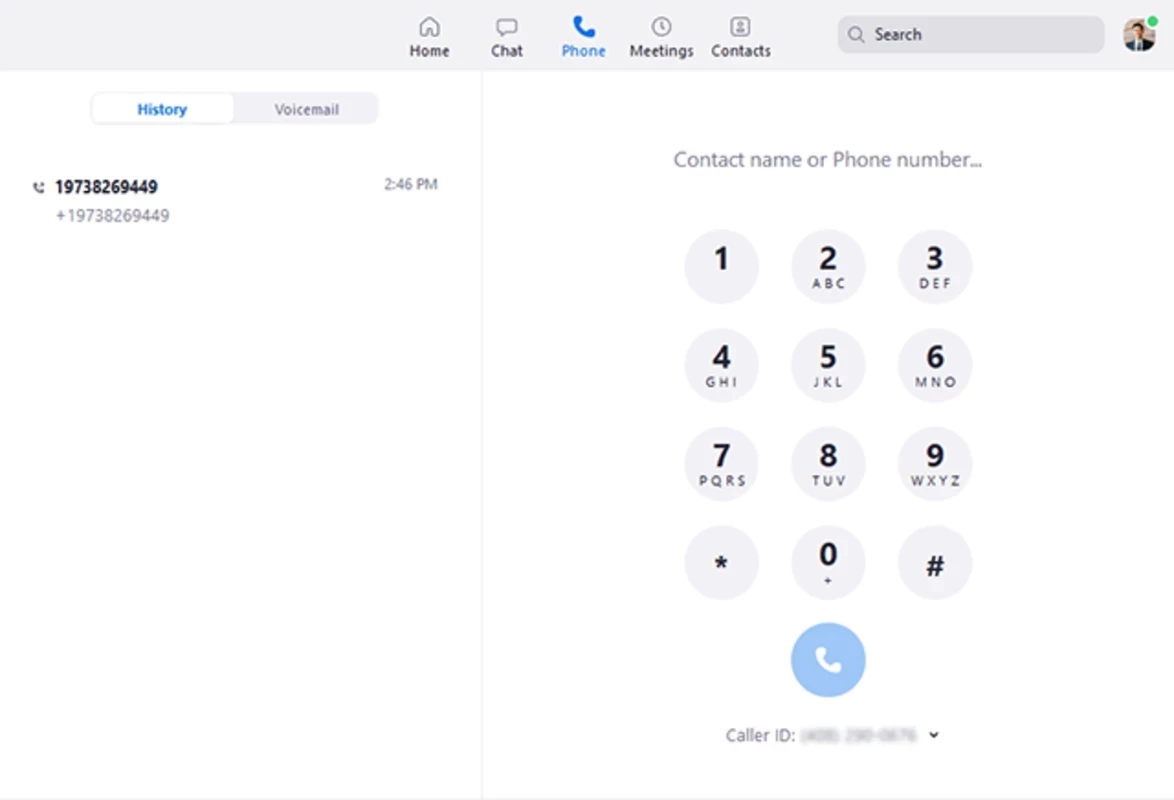
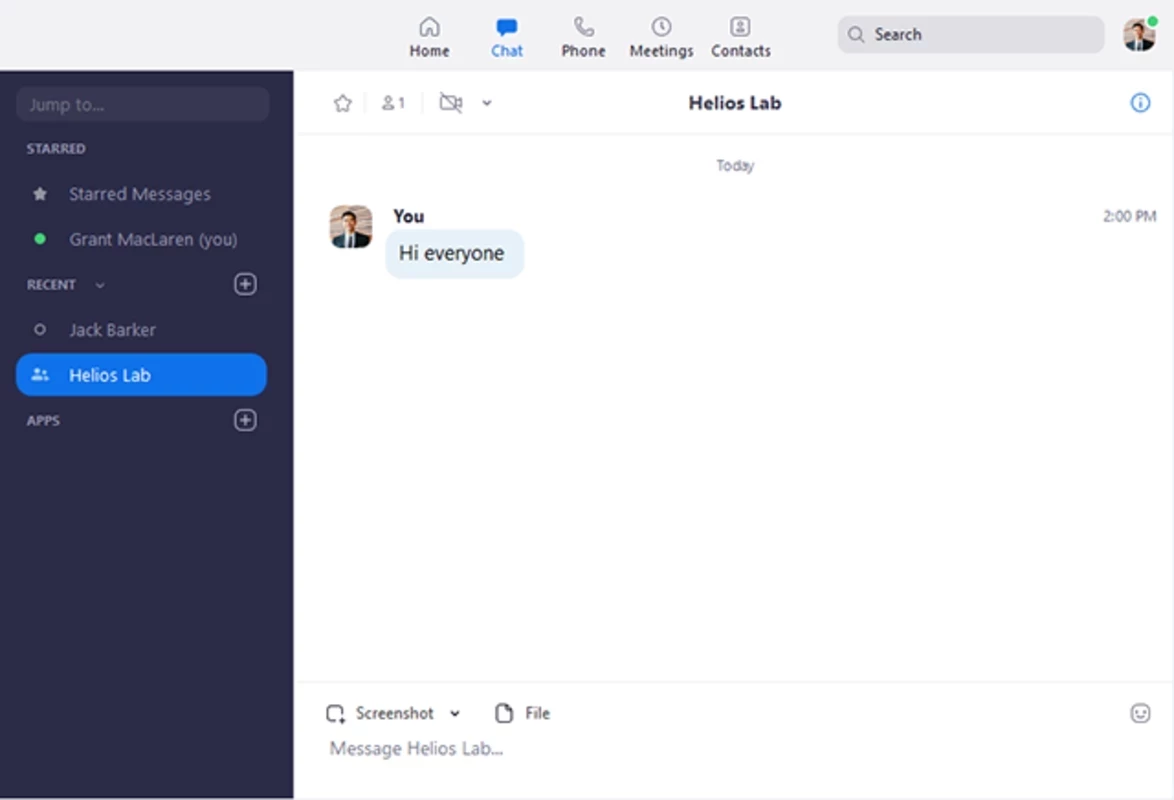
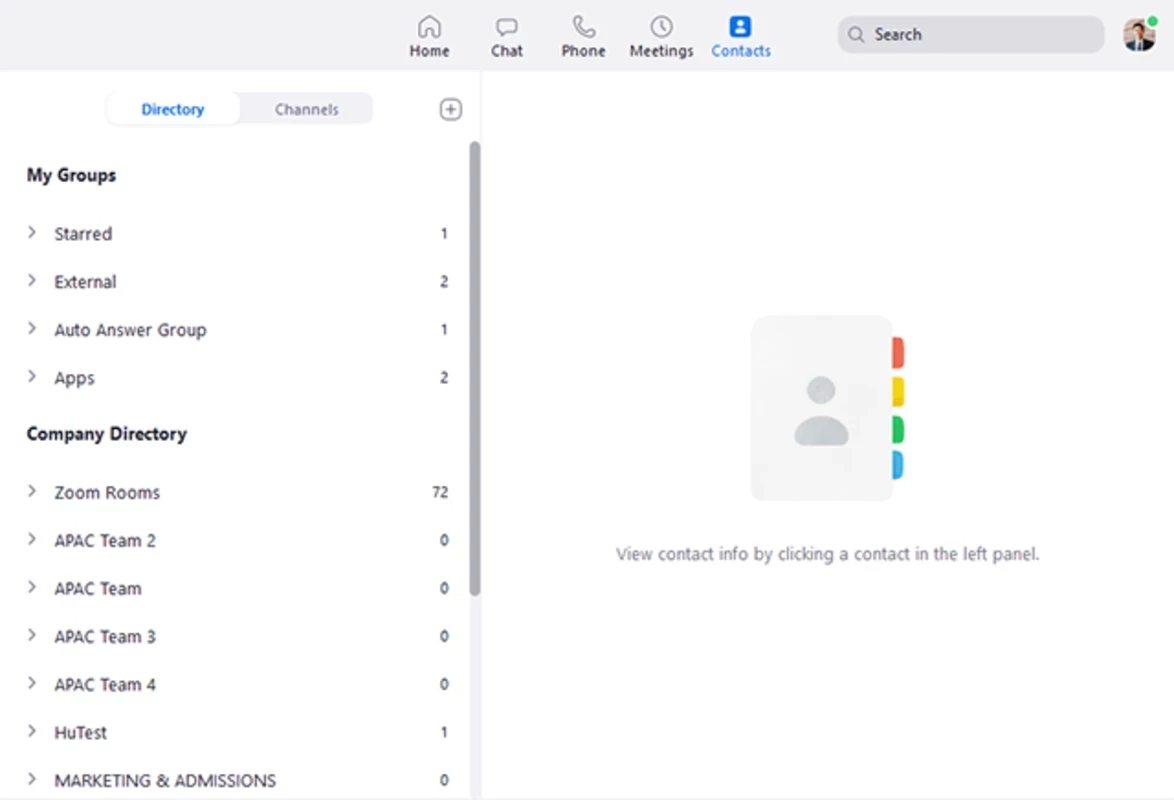
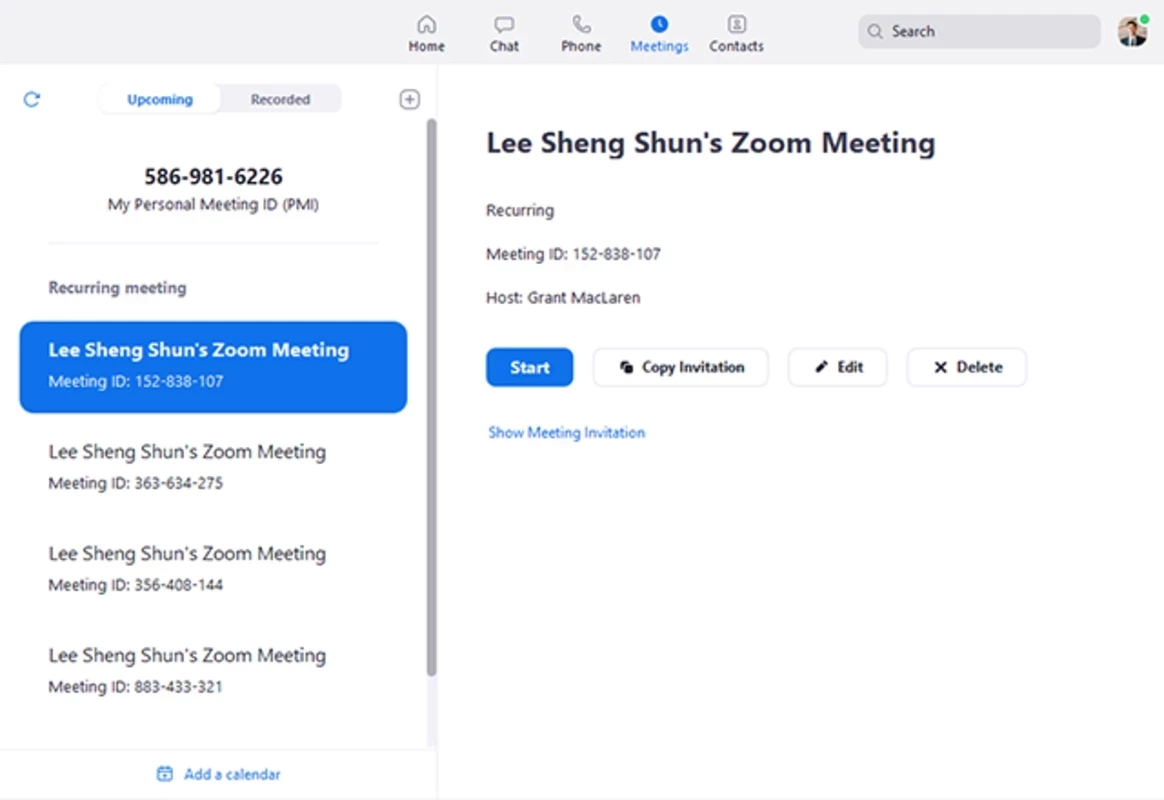
Zoom Meeting 7.1.46825 for Windows is the desktop client of Zoom's video-conferencing software, and you can download it free from the official website. It handles video calls, screen sharing and meeting chat, and runs on current editions of Windows 10 and Windows 11.
| Program | Zoom Meeting |
|---|---|
| Version | 7.1.46825 |
| Developer | Zoom Communications (zoom.us) |
| License | Freeware, proprietary |
| Operating system | Windows 11, Windows 10 Home, Pro or Enterprise |
| Also available for | macOS, Linux, Android, iOS, ChromeOS |
| Updated | September 2026 |
| Size | about 202.18 MB according to catalogue data |
| Official site | zoom.com |
Zoom was created by Eric S. Yuan, and its history goes back to January 2013. The product is videotelephony at its core: you start a meeting, send a link, and people join from a laptop, phone or browser. The Windows client adds the conveniences that make regular meetings less tiring, such as a meeting list tied to your calendar, a waiting room for guests, screen and window sharing, in-meeting chat, reactions and recording. Teachers use it for online classes, companies for daily stand-ups and all-hands calls, and families for catching up across time zones. A guest does not need an account to join; hosting and scheduling meetings require signing in.
According to Zoom's system requirements article, the desktop app supports Windows 11 and Windows 10. Devices on Windows 10 must run the Home, Pro or Enterprise edition; S Mode is not supported. Windows 7 is no longer supported. On Windows, Zoom relies on WebView2 and the Chromium Embedded Framework for some features and downloads them automatically if they are missing. On a managed office PC, ask your administrator to allow them.
Changes in each build are listed in the official release notes for Zoom Meetings.
Download the client only from Zoom's own site. Meeting invitations with a link to a "required Zoom update" on another domain are a classic phishing trick. Protect your own meetings with a passcode or waiting room, and keep the app updated so security fixes arrive quickly.
The client is free, and a free account lets you host meetings with some limits. Paid plans raise those limits and add features for businesses.
Microsoft Teams and Google Meet cover similar needs and are in the same category. For communities that prefer drop-in voice channels, Discord is another option.
WhatsApp Desktop is the official WhatsApp app for Windows, letting you chat and call from your PC with the account on your phone.

WhatsApp Viewer is a free Windows tool by Andreas Mausch that opens WhatsApp chat databases from Android and displays the conversations on a PC.

Microsoft Teams is Microsoft's collaboration and video-conferencing app for chat, meetings, calls and shared files at work, school or home.

Camo Studio is Reincubate's desktop app that turns an iPhone, iPad or Android phone into a high-quality webcam for a Windows PC or Mac.

Google Meet is Google's video meeting app. On Windows it runs from the browser and can be installed as an app, with no separate installer to download.

Facebook for Windows is the desktop app of Meta's social network, with the news feed, groups, pages and notifications in a separate window.

Telegram Desktop is the official Windows client of the Telegram messenger, with chats, groups, channels and file sharing synced from the cloud.

Telegram Web is the browser version of the Telegram messenger: open it on a Windows PC, log in with your phone and chat without installing anything.